Desktop software · Windows & macOS
Software for the desk where the work actually happens.
Counters, production lines, labs and back offices still run on workstations. We build desktop applications that keep working when the network doesn’t, and talk to the hardware on the desk.
Discuss desktop software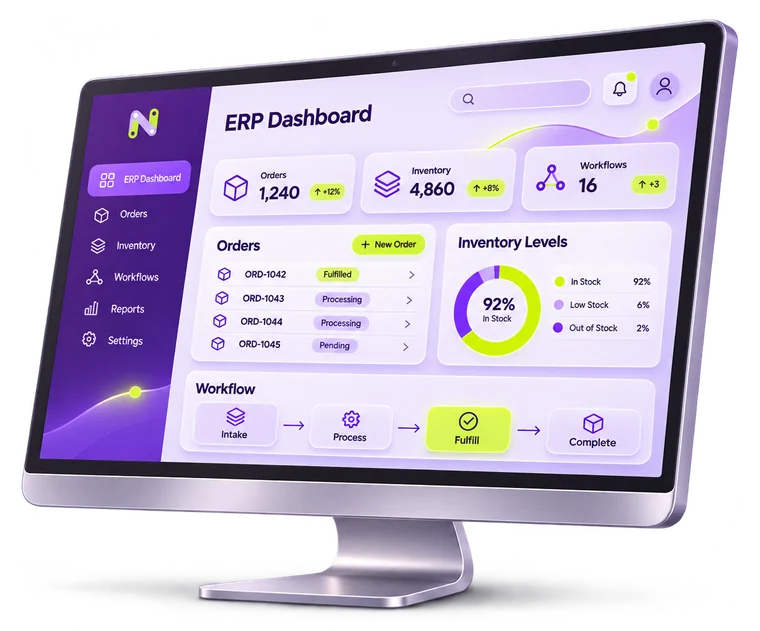
Why desktop, in 2026?
- It can’t stop when the Wi-Fi does
- A checkout or a lab station that pauses on a dropped connection costs money every minute.
- It talks to hardware
- Label printers, barcode scanners, scales, card readers and instruments need local drivers and reliable I/O.
- It handles heavy local work
- Large files, image processing and long-running jobs are faster next to the data.
- It fits controlled environments
- Some sites restrict browsers or internet access. A signed, managed application fits their policies.
How offline-first sync works
Step through what happens when a station loses its connection mid-shift.
- 1 · Working offlineThe connection drops. The station keeps recording sales or results to its local database.
- 2 · Changes queueEach change is stored with a timestamp and an ID, in order, so nothing is lost or duplicated.
- 3 · Connection returnsThe queue uploads in the background. The operator doesn’t wait or re-enter anything.
- 4 · Conflicts resolvedIf the same record changed in two places, agreed rules decide — or it’s flagged for a person.
What you receive
- Windows and macOS builds from one maintained codebase where possible
- Local database with background sync to your cloud or ERP
- Drivers and integrations for your printers, scanners and devices
- Signed installers and an auto-update channel
- Role-based access and local audit logs
- Deployment notes your IT team can follow
Questions clients ask first
Can you replace an old desktop program we rely on?
Usually, yes — carefully. We document what the current program really does (including the undocumented habits around it), migrate the data, and run old and new side by side before switching.
Do you support both Windows and macOS?
Yes. If your sites run only one of them, we’ll build for that and keep the option open for the other.
How are updates delivered?
Through signed installers and an update channel you control, so stations update predictably — not in the middle of a shift.
Can it connect to our ERP or accounting software?
If that system has an API or a supported import/export, yes. We confirm what’s possible during discovery before committing to it.
Need software for a workstation?
Send a short brief. A person on our team reads it and replies with questions or a time to talk.
Start a project